
If you work with Power BI, you’ve probably used PBIX files. But Power BI offers several file types, and understanding the differences between PBIX vs PBIT vs PBIP vs PBIR can greatly improve how you build, share, and manage reports. Each Power BI file type serves a specific purpose in your data analytics workflow. This comprehensive guide explains what each file format is, what it contains, and when you should use it.
What Are Power BI File Types?
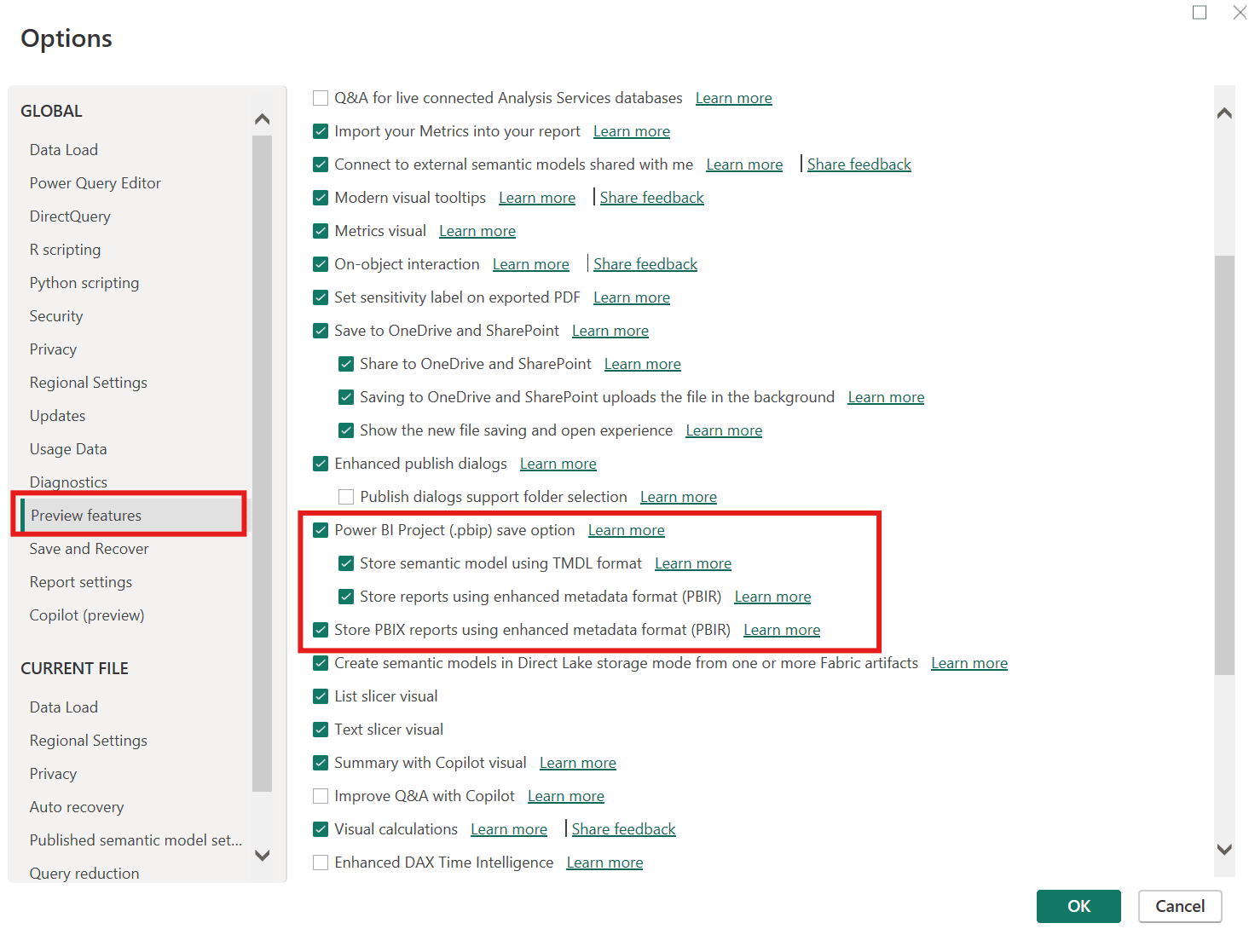
How to Enable PBIP and PBIR formats
- Open Power BI Desktop on your computer
- Navigate to File > Options and Settings > Options.
- Select "Preview Features" from the left sidebar under the Global section
- Check the boxes highlighted in the image below.
- Click OK and restart Power BI Desktop for changes to take effect
1. PBIX File (.pbix) – Power BI Desktop File
1. PBIX File (.pbix) – Power BI Desktop File
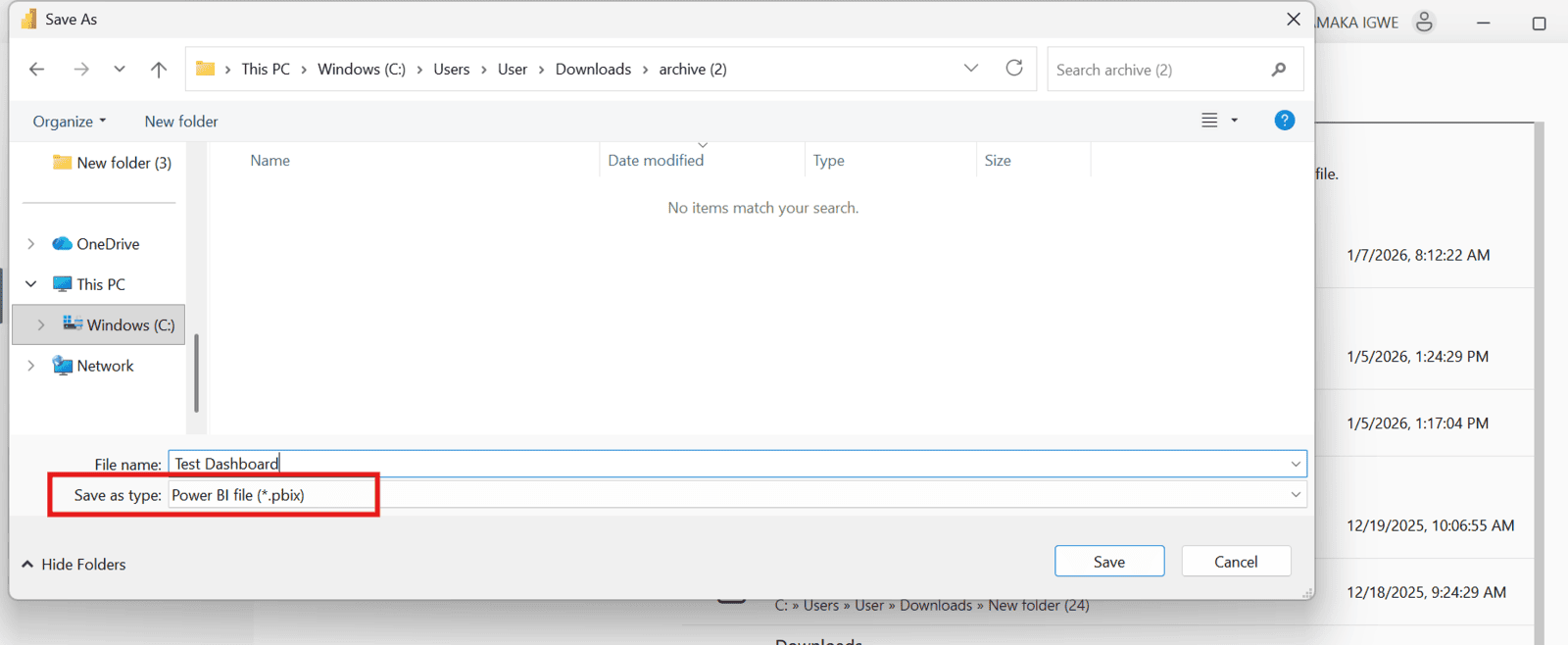
- Complete data model with imported or connected data
- All reports and visualizations
- Power Query transformations
- DAX measures and calculated columns
- Report formatting and themes
When to Use PBIX Files
Use PBIX files when you're building and editing Power BI reports, sharing complete projects with colleagues who need both data and visuals, storing reports locally on your computer before publishing to Power BI Service, or working independently on a Power BI project.
2. PBIT File (.pbit) – Power BI Template File
A PBIT file is essentially a template version of a PBIX file. It preserves your report structure and design but removes the actual data.
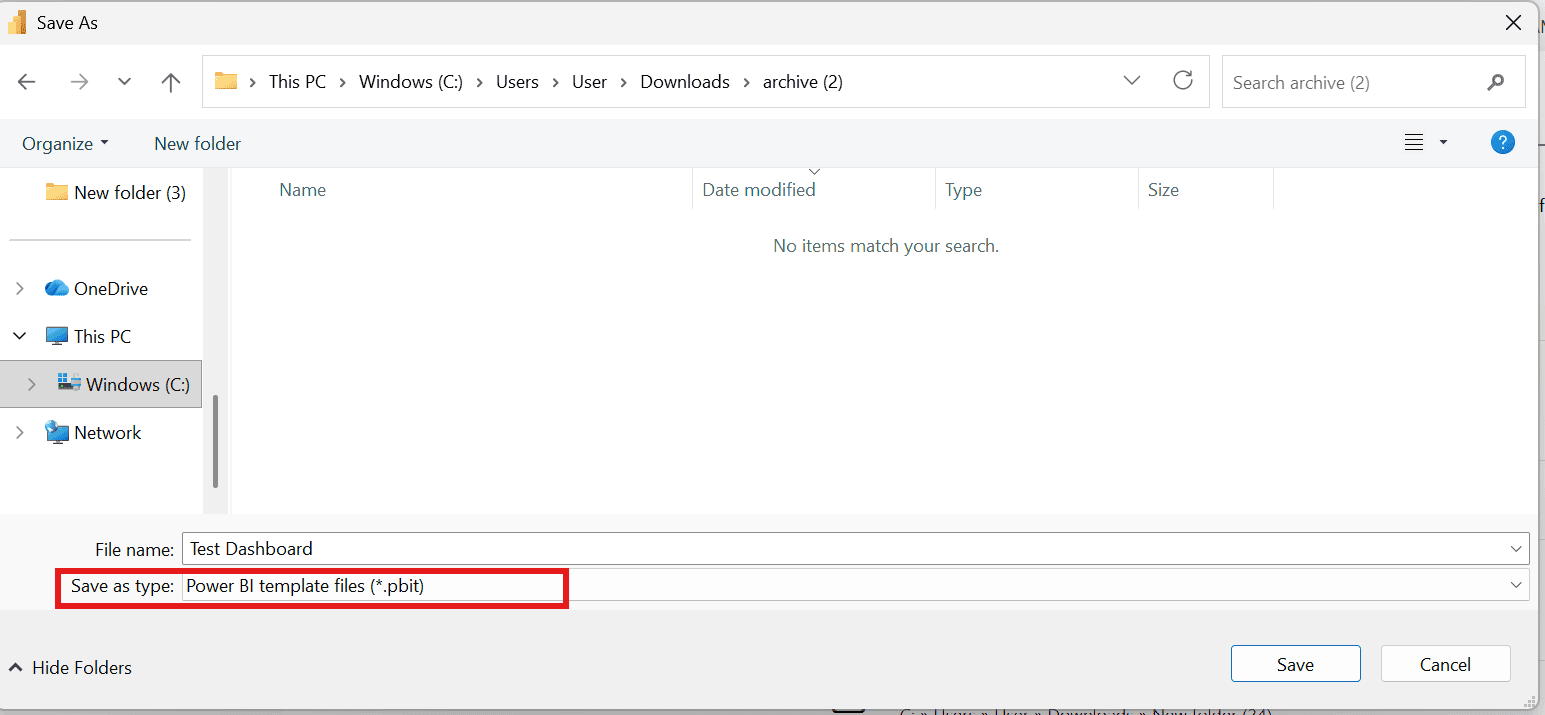
- Report layout and visual structure
- DAX measures and calculations
- Visual formatting and themes
- Data source connections (without data)
When to Use PBIT Files
Use Power BI templates when you want to share report designs without exposing sensitive data, create standardized report templates for your team to use repeatedly, apply consistent formatting across multiple datasets, or distribute reports that users can connect to their own data sources.
3. PBIP File (.pbip) – Power BI Project File
3. PBIP File (.pbip) – Power BI Project File
The PBIP format represents a modern approach to Power BI development. Unlike PBIX, which is a single compressed file, PBIP is a folder-based structure that breaks your project into individual text files.
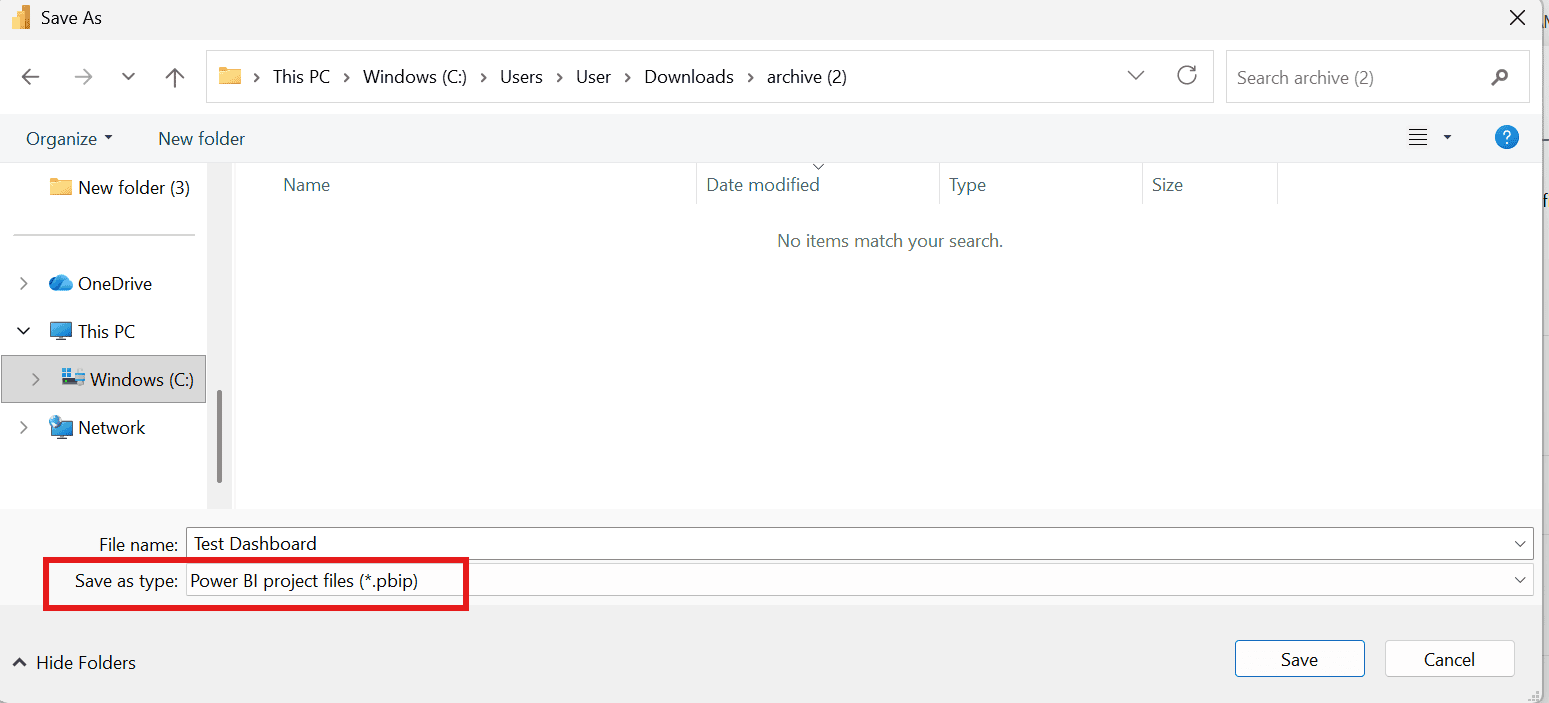
- Splits reports and models into separate, readable text files
- Enables version control integration with Git and Azure DevOps
- Improves collaboration through better change tracking
- Allows multiple developers to work on different components simultaneously
When to Use PBIP Files
Use PBIP when you're working in a development team environment, managing Power BI reports in a source control system like Git, making incremental updates without affecting the entire project, or implementing DevOps practices for BI development.
PBIP is the best choice for developers who need professional version control and collaborative development workflows.
4. PBIR File (.pbir) – Power BI Report File
4. PBIR File (.pbir) – Power BI Report File
A PBIR file is a text-based format within the PBIP folder structure that makes Power BI reports human-readable and easier to manage.
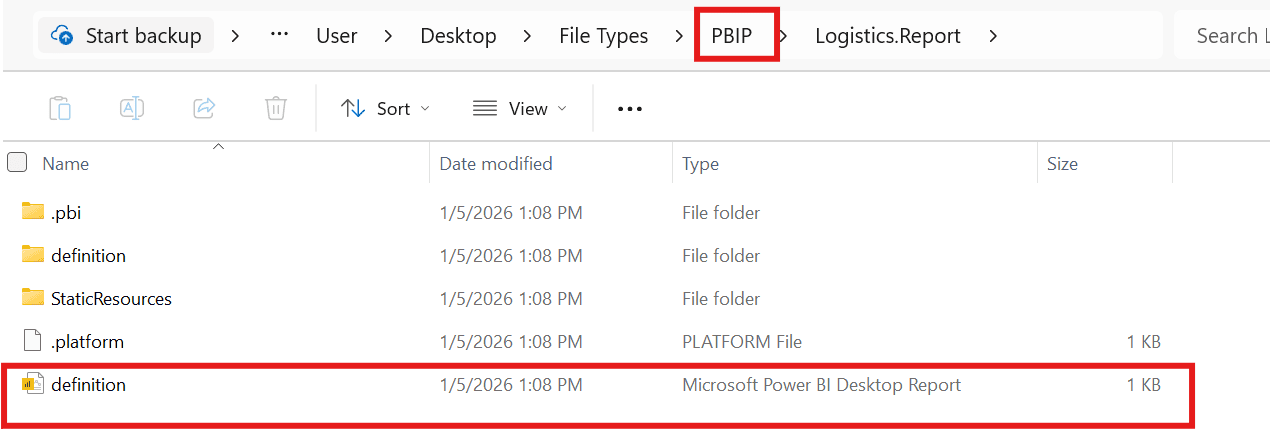
- Readable text format for reports
- Easy to track changes in version control
- Simplifies collaboration on report structure
- Enables editing outside the Power BI Desktop UI
When to Use PBIR Files
Use PBIR when you're working with Power BI reports in text format for easier review, managing report versions in Git or other version control repositories, simplifying report editing for development teams, or building automated report generation workflows.
PBIR files are ideal for teams following DevOps practices and maintaining multiple reports in a structured development environment.
5. PBIDS File (.pbids) – Power BI Data Source File
5. PBIDS File (.pbids) – Power BI Data Source File
A PBIDS file is a lightweight data connection file that stores only information about your data sources.
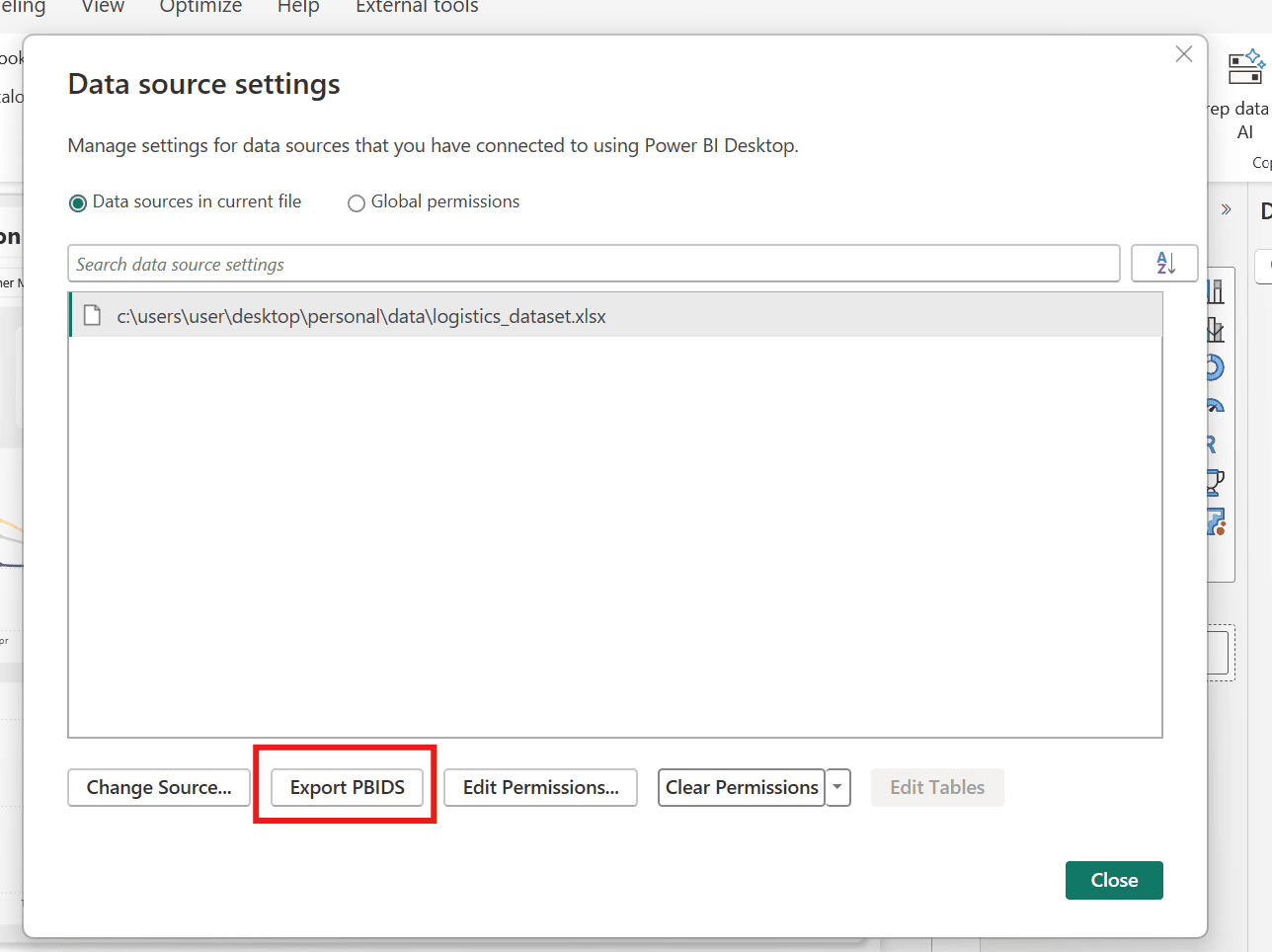
- Data source connection details
- Authentication information (when appropriate)
- Connection parameters
- Reports or visualizations
- Actual data
- DAX measures
When to Use PBIDS Files
Use PBIDS files when you need to quickly set up data connections across multiple reports, share standardized data source configurations with team members, simplify Power BI Service deployments, or manage consistent data access for multiple users.
This file type is excellent for organizations that want to standardize how users connect to corporate data sources.
Power BI File Types Comparison Chart
Power BI File Types Comparison Chart
| File Type | Contains Data | Contains Visuals | Version Control Friendly | Best For |
| PBIX | Yes | Yes | No | Individual development |
| PBIT | No | Yes | No | Templates and sharing designs |
| PBIP | Yes | Yes | Yes | Team collaboration with Git |
| PBIR | No | Yes | Yes | Developer collaboration |
| PBIDS | No | No | Yes | Sharing Data connections |
Final Thoughts
Final Thoughts
If you only use PBIX, you’re missing out on the full power of Power BI file management. Choosing the right file type can improve:
- Security
- Collaboration
- Version control
- Development speed
Need help with Power BI Report ? Book a Call with me
Questions? Comment below, find me on LinkedIn for weekly tips, or watch my YouTube tutorials.